
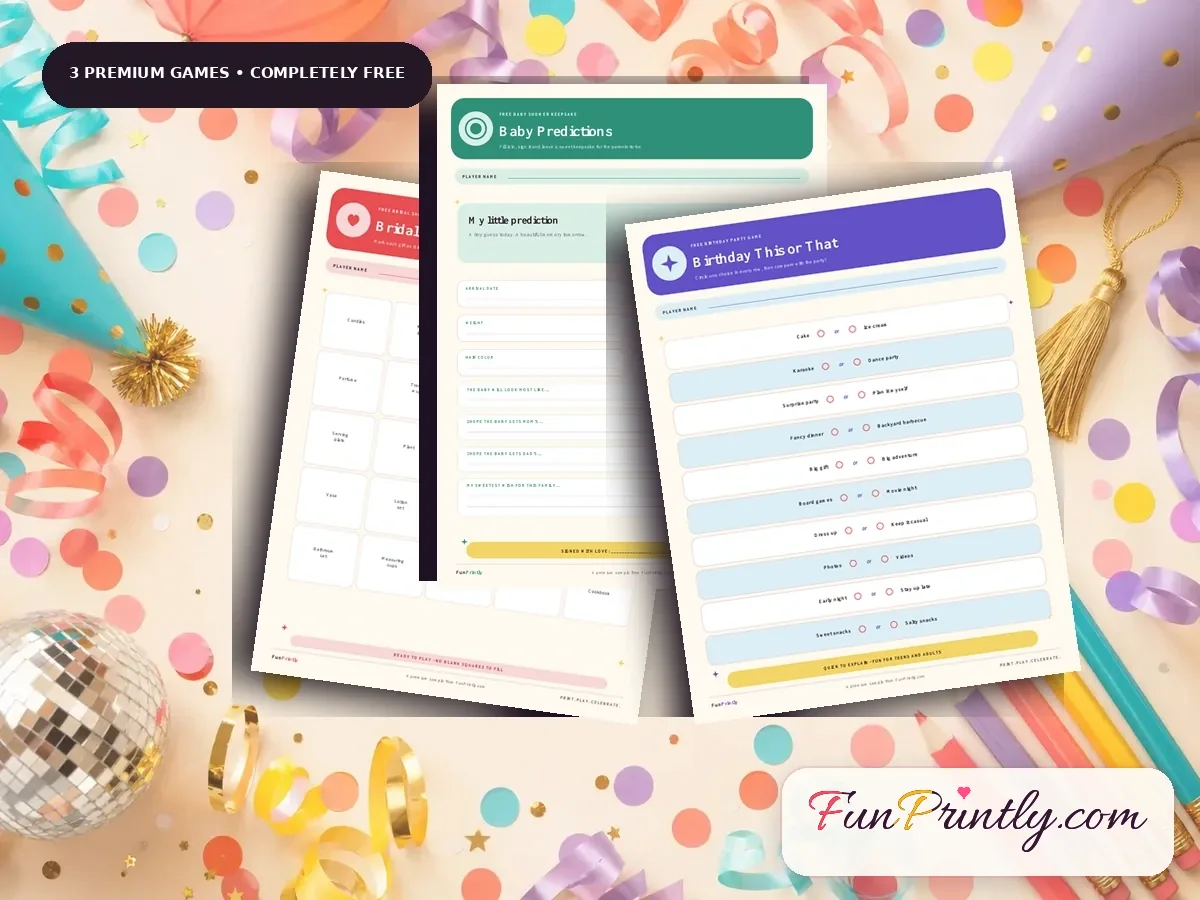
Use the correct US Letter or A4 file, select Actual Size or 100 percent, print one test page, and choose bright white 28 to 32 lb paper for a more substantial result.
Professional-looking party printables depend more on correct settings and paper choice than on an expensive printer. Start with the PDF size that matches your country, print one test page at Actual Size, and check every line before producing the full guest count.
This guide compares common paper weights, explains when to use cardstock, and shows where a paper trimmer improves the result. It also prevents the most expensive mistake: printing an entire bundle before confirming scale and color.
This page may contain affiliate links. If you buy through one of these links, FunPrintly may earn a commission at no extra cost to you. We recommend only products that fit the celebration-planning topic.
Saveable plan
Home printing settings that prevent waste
Check these five items on the first page before printing the full quantity.
| Setting | Choose | Why |
|---|---|---|
| File size | US Letter or A4 | Matches the paper loaded in the printer |
| Scale | Actual Size or 100 percent | Preserves margins and card dimensions |
| Quality | Standard or High | Keeps text clear without slow photo-mode ink use |
| Sides | Single-sided unless instructed | Prevents games from showing through one another |
| Test | One page first | Confirms color, crop, answer space and readability |
Use the file size made for your paper
US Letter measures 8.5 by 11 inches and is standard in the United States and Canada. A4 measures 210 by 297 millimeters and is common in many other countries. Choose the matching file before printing.
Printing A4 artwork on US Letter paper can create unexpected borders or cropping. FunPrintly bundles include both sizes so you do not need to resize the design.
- US Letter: choose the file labeled US Letter.
- A4: choose the file labeled A4.
- Portrait orientation: keep Auto Rotate enabled if available.
- Do not use borderless mode unless the instructions specifically request it.
Select the right scaling setting
Open the PDF in a dedicated reader when possible. In the print dialog, choose Actual Size, 100 percent or No Scaling. Fit can slightly shrink the page, which is usually acceptable but may change margins.
Print only the first page as a test. Check that no text is cut off and writing lines remain clear before printing the full quantity.
- Paper size matches the selected PDF.
- Scale is set to Actual Size or 100 percent.
- Orientation is Portrait.
- Color mode is enabled for colored designs.
- Two-sided printing is off unless you want it.
Choose paper that feels good on the table
Standard 20 lb copy paper is affordable and works for large guest counts. Bright white 28 to 32 lb paper feels smoother, reduces show-through and handles pens better. Light cardstock is excellent for advice cards or table signs.
Very heavy cardstock may not feed through every home printer. Check your printer manual before buying a large package.
- 20 lb copy paper: economical for single-use games.
- 28 to 32 lb premium paper: best all-around choice.
- 65 lb light cardstock: useful for keepsakes and signs.
- Matte paper: easier to write on than glossy stock.
Get cleaner color and sharper text
Choose Standard or High quality instead of Draft. Confirm that ink levels are sufficient and run the printer’s nozzle check or cleaning tool if colors look streaky.
Screens emit light, while printers place ink on paper, so exact color matching is not possible. Print a sample in daylight and adjust your printer settings before committing to a large batch.
- Use the paper type closest to the paper you loaded.
- Let ink dry before stacking freshly printed pages.
- Print in smaller batches if the output tray curls paper.
- Use grayscale only when color is not important to the game.
Know when to use a local print shop
A print shop can be cost-effective for large quantities, heavy paper or when your home printer is unreliable. Export or bring the original PDF, not screenshots, so text remains sharp.
Ask for one proof before the full run. Confirm paper size, color, single-sided printing and final quantity in writing.
- Bring both the PDF and the included printing guide.
- Ask whether trimming is included in the price.
- Count guests and order five percent extra copies.
- Keep answer keys separate from guest sheets.
Avoidable problems
Common Planning Mistakes
Loading A4 paper while printing the US Letter PDF, or the reverse.
Using Fit to Page without checking whether the design became noticeably smaller.
Choosing heavy cardstock that the printer’s feed path cannot handle.
Helpful answers
Questions Hosts Ask
What paper is best for printable party games?
Bright white 28 to 32 lb paper offers a polished feel and easy writing. Use light cardstock for small cards, signs and keepsakes.
Should printable PDFs use Fit or Actual Size?
Choose Actual Size or 100 percent first. Use Fit only if the printer clips the design, then check one test page.
Can a local print shop print the files?
Yes. Send the correct US Letter or A4 PDF and ask for a proof before the full quantity.
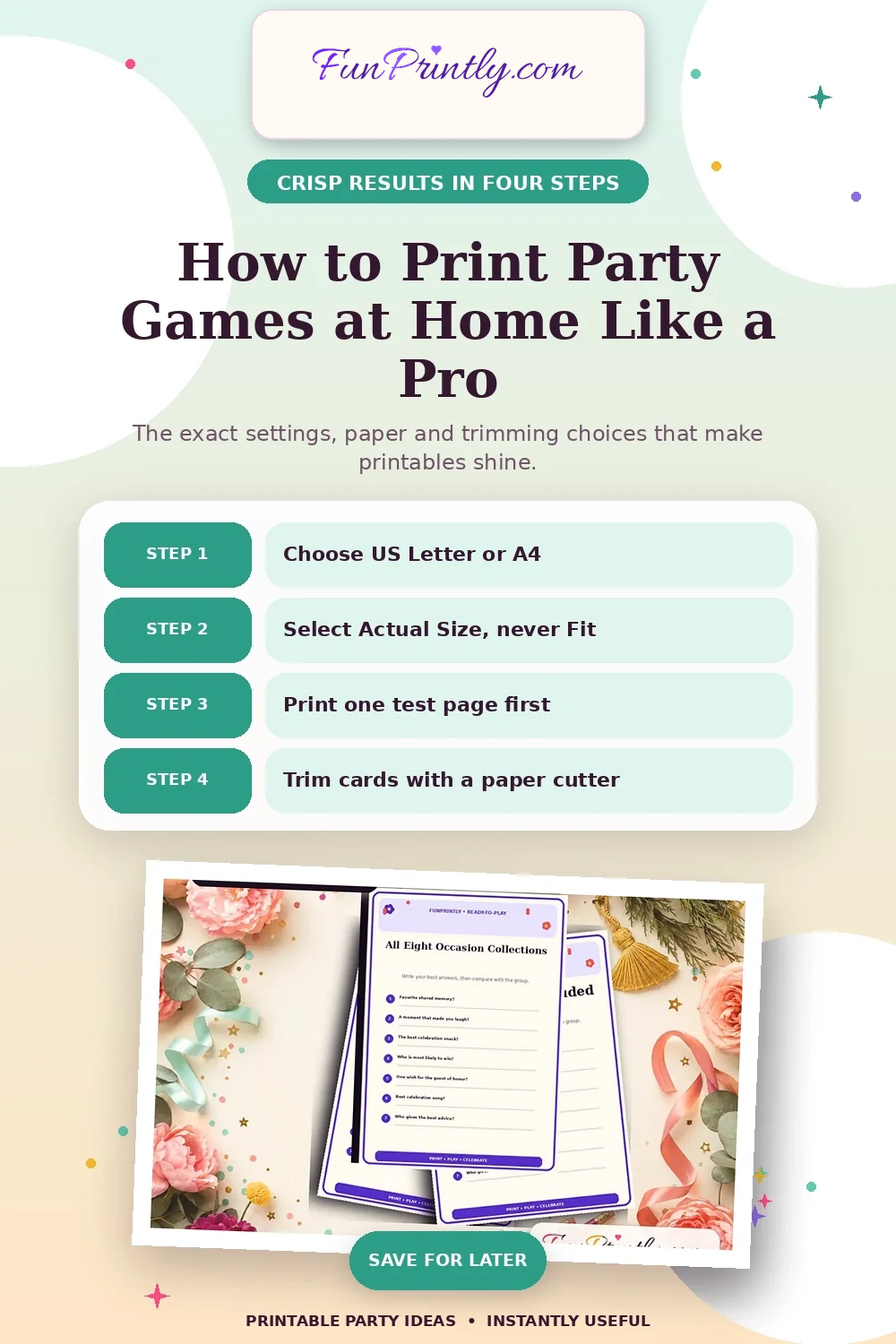
Save this game plan
How to Print Party Games at Home Like a Pro
Save this home-printing guide for Actual Size settings, US Letter vs A4, bright paper, clean trimming and ink-saving test prints.
Save to Pinterest